
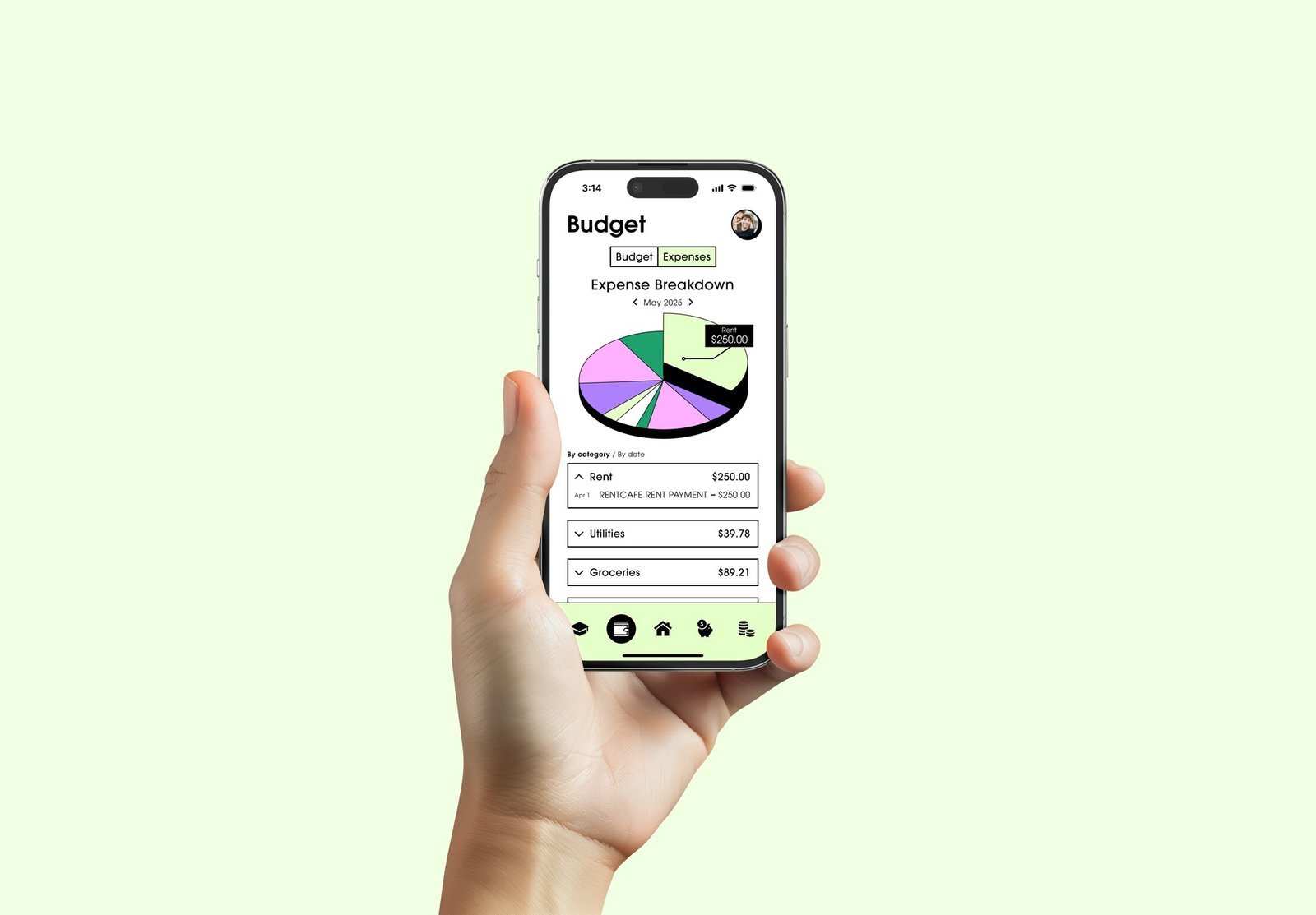
What are the best AI budgeting apps in the UK? The market has matured significantly — open banking lets apps see all your accounts in one place, and AI turns that data into categorisation, insights, and automation that actually changes behaviour. I’ve tested the leading UK options with real accounts, and the differences matter. Here’s the honest comparison.
How UK AI budgeting apps work
Quick primer: these apps connect to your bank accounts via open banking (FCA-regulated, read-only access — they can’t move your money or see your login credentials). AI then categorises transactions, spots patterns, predicts bills, and automates savings. The best ones feel like a financially savvy friend watching your money; the worst are just pretty spending charts. What separates them: categorisation accuracy, insight quality, savings automation, and whether they cover your specific banks.
The best AI budgeting apps in the UK: the contenders compared
Emma — best all-rounder (freemium)
The UK’s most popular money management app. AI categorisation across all connected accounts, subscription detection and cancellation help, bill reminders, spending insights, and a genuinely useful free tier. Paid plans (£5–£15/month) add custom categories, advanced analytics, and cashback features. Strengths: widest bank coverage, polished experience, active development. Weaknesses: the best features sit behind paywalls; some find the upselling persistent. Best for: most people wanting a complete money overview.
Snoop — best free option (free)
Completely free (owned by Vanquis), with AI-driven personalised money-saving suggestions — “you’re paying £X for energy; switch and save £Y” — as its standout feature. Spending tracking, bill monitoring, and credit score insights included. Strengths: genuinely free, excellent savings recommendations, no paywall frustration. Weaknesses: smaller feature set than Emma’s paid tiers; the business model (referral commissions) means recommendations aren’t perfectly neutral — always compare independently. Best for: cost-conscious users wanting solid basics free.
Plum — best for automated saving (freemium)
Plum’s AI analyses your income and spending, then automatically sets aside affordable amounts — the “save without thinking” approach. Also offers investments, pensions, and energy switching. Free tier covers basic auto-saving; paid (£3–£10/month) gives access to investments and advanced features. Strengths: the automation genuinely builds savings for people who struggle with willpower; good investment options for beginners. Weaknesses: savings interest rates vary; investment features need understanding before use. Best for: people who know they should save but never do.
Chip — best for savings goals (freemium)
Similar auto-saving philosophy to Plum, with competitive instant-access rates and a slick goals-based interface. AI calculates what you can afford to save each few days. Also offers investments and prize-linked savings. Strengths: excellent savings rates historically, intuitive goals. Weaknesses: free tier limited; investment options narrower than Plum. Best for: goal-oriented savers (holiday fund, house deposit).
Monzo/Starling built-in tools — best if you bank with them
If your main account is Monzo or Starling, their built-in budgeting (pots, spending categories, salary sorter, trends) may be all you need — no third-party app required. Monzo’s Trends and Starling’s Spending insights use AI categorisation natively. Strengths: no extra app, no extra permissions, deeply integrated. Weaknesses: only sees that bank’s accounts (though open banking connections to other banks are improving). Best for: Monzo/Starling loyalists with simple finances.
Honourable mentions
- Moneyhub: the data-geek choice — superb analytics, FCA-regulated, small subscription. Less hand-holding, more insight.
- Yolt successors / bank apps: most high-street banks (NatWest, Lloyds, Barclays) now include AI spending insights in their own apps — check yours before downloading anything.
- HyperJar: envelope budgeting with AI assistance — good for couples and families splitting spending.
Choosing the right one for you
- Just starting out? Snoop (free) or your bank’s built-in tools. Learn the habit before paying for features.
- Want everything in one place? Emma — the most complete overview, worth the paid tier if you use it actively.
- Can’t seem to save? Plum or Chip — automation beats willpower.
- Self-employed? Look for apps handling irregular income well (Emma’s custom categories help); also see our AI money management guide for the broader toolkit.
- Privacy-conscious? Prefer your bank’s built-in tools or FCA-regulated apps with clear data policies — and review our AI data privacy guide.
Security and privacy: what to check
Connecting your bank accounts to an app requires trust — here’s how to verify it. FCA regulation: any legitimate UK budgeting app is FCA-regulated (or an agent of a regulated firm) — check the FCA register, not just the app’s claims. Open banking standards: proper apps use Open Banking APIs with explicit consent flows; never enter your bank login credentials into a third-party app or website — that’s the bright line between legitimate and dangerous. Data usage: read the privacy policy’s data section — what do they store, do they sell anonymised data, can you delete everything? Free apps monetise somehow; understand how. Permissions: budgeting apps need read-only transaction access; they should never need payment permissions. Our broader AI privacy guide covers the principles. The established apps named above all meet these standards — which is precisely why you should stick to established names rather than exciting newcomers with vague credentials.
When apps aren’t enough
A final honest note: budgeting apps help people with organisation problems, not income problems or debt crises. If you’re in serious debt, an app’s insights won’t fix it — free debt advice from StepChange or Citizens Advice will, and it’s free, expert, and non-judgmental. If your income doesn’t cover essentials, the answer isn’t better categorisation — it’s income maximisation (benefits checks via Entitledto, which many miss out on) and support. Apps are powerful tools for the financially stable looking to optimise; they’re not solutions for financial distress. Knowing which situation you’re in — and getting the right help for it — matters more than any app choice.
Getting value: the first-month setup
- Connect all accounts (current, savings, credit cards) — partial data means partial insight.
- Review and correct AI categorisation for a week; accuracy improves as you teach it.
- Set up subscription detection and cancel or renegotiate the wasteful ones immediately — this often “pays for” the app many times over.
- Set one savings rule (even £25/week automated) — the habit matters more than the amount.
- Schedule a monthly 20-minute review. Apps don’t work by osmosis; the review ritual is where behaviour changes.
The takeaway
The best AI budgeting app in the UK for most people is Emma (most complete) or Snoop (best free), with Plum/Chip winning for automated saving and Monzo/Starling’s built-in tools sufficing for their customers. But the app matters less than the habit: connect everything, review monthly, automate savings, and kill wasteful subscriptions. The AI does the tracking and insight; you do the 20-minute monthly review that turns data into decisions. Start free, upgrade only if you’ll use the features, and remember — the fanciest app in the world doesn’t help if you never open it. For impartial money guidance beyond apps, MoneyHelper remains the gold standard.